



























GHL Email AI: Auto-Reply to Leads Instantly (2026 Guide)
Introduction
Are you losing leads because your team is unable to respond immediately due to being preoccupied? Most consumers demand immediate replies. The moment your email remains unopened for some time, they get in touch with another person.
GoHighLevel now offers you an option of automatically replying to emails with the help of AI. Your email inbox becomes a 24/7 virtual assistant that analyzes the incoming email, understands what the consumer needs, and responds instantly.
This guide explains the process of working with the email AI feature offered by GHL, its importance, and step-by-step instructions for configuration.
Benefits of GHL Email AI for Auto-Replies
Quick response is the key in sales. If someone emails you a question about your product or service, he/she does not want to wait several hours to receive an answer back. Here is how GHL conversation AI can help you overcome this challenge.
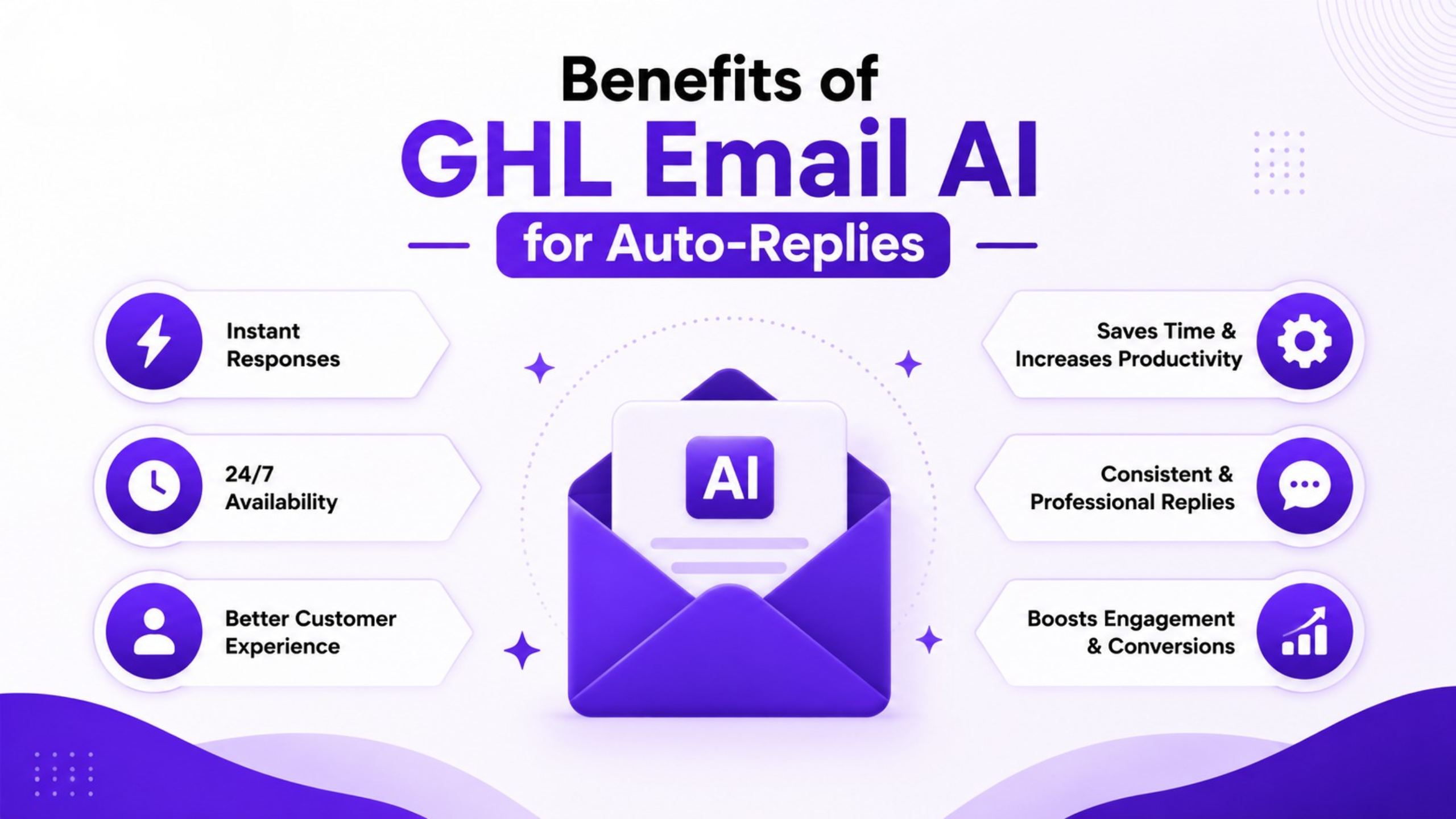
The benefits of using GHL email AI are:
Analyzes each incoming email instantly
Picks up the context of the question
Replies immediately to the inquiry
Operates 24/7, even outside of working hours
Liberates your employees from mundane email sorting tasks
It means that no customer will get lost under any circumstances.
How Email AI in GHL Benefits Agencies and Small Businesses
If you have an agency that manages client accounts, then this tool will save you some time. No one needs to be constantly monitoring emails. The AI takes care of the initial response, and your team only gets involved in cases of more complicated inquiries.
Also, this works great for coaches, freelancers, and small business owners who do not have a big support team to work with. One bot can control numerous conversations simultaneously.
Step-by-step Guide: Setting up Email AI Auto-Reply in GHL
It will take only several minutes to set up your AI email bot.
Step 1: Access AI Agents
Navigate to AI Agents located in the left-hand menu of your sub-account and click on the Conversation AI option.
Step 2: Access Your Agent List
Select the Agent List tab. Either choose an existing bot and make some edits, or create a new bot. Your options include a Q&A bot and an Appointment Booking bot.
Step 3: Define the Branding Style
Fill in information about your brand and set a voice, e.g., Friendly or Professional. That will help maintain the natural sound of responses.
Step 4: Turn On the Email Channel
In Preferred Channels, turn the Email channel ON. Switch off other channels you don’t want the bot to interact via.
Step 5: Adjust Email Settings
Navigate to Email Configuration and define your From name and From email address. Add a small delay in your response, if desired.
Step 6: Select the Format and View the Preview
Choose Plain Text for a more personalized experience or access the design editor to brand your response. See the preview.
Step 7: Start Using Autopilot Mode
Turn on Autopilot mode and let the bot answer the emails automatically.
Quick Setup Checklist
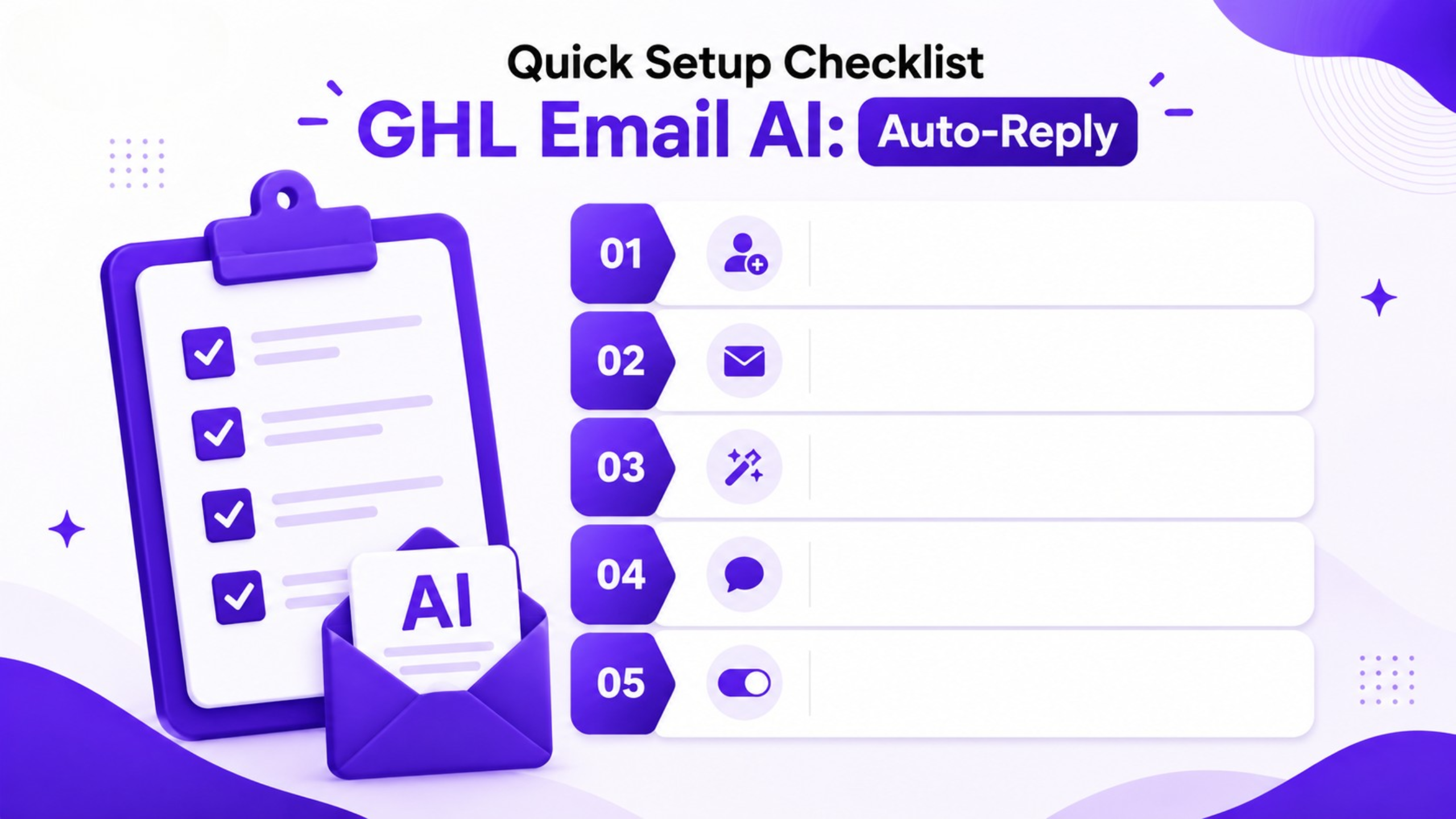
Go to AI Agents and pick Conversation AI
Make a new or edit an existing bot
Define brand’s tone and voice
Activate the email communication channel
Define sender name, email address, and delay
Pick between plain text and branded response
Review the response
Enable Autopilot mode
Conclusion
Manually responding to each and every email is impossible. Using GoHighLevel email AI, you’ll be able to transform your inbox into a lead generation machine that will work all night and all day. It will respond promptly, sound human and will save you and your team from sorting emails and allow you to close deals instead.
Setup once and use forever after.
Frequently Asked Questions
1. Is GHL email AI active even after business hours?
It operates automatically and responds to all emails regardless of time.
2. Can I customize the tone of AI responses?
Indeed, you can choose whether the tone is friendly or professional while configuring it.
3. Is this relevant for small agencies that lack many employees?
Indeed, it does the job of responding first automatically.