























HighLevel Conversation AI Outbound + Multi-Model Guide
HighLevel Conversation AI Outbound: Agents That Start the Chat
Most agencies set up Conversation AI so it answers when a lead messages first. That works until the lead never texts back after a form fill or a missed call. Speed-to-lead then depends on a human or a separate workflow that has to be built and maintained.
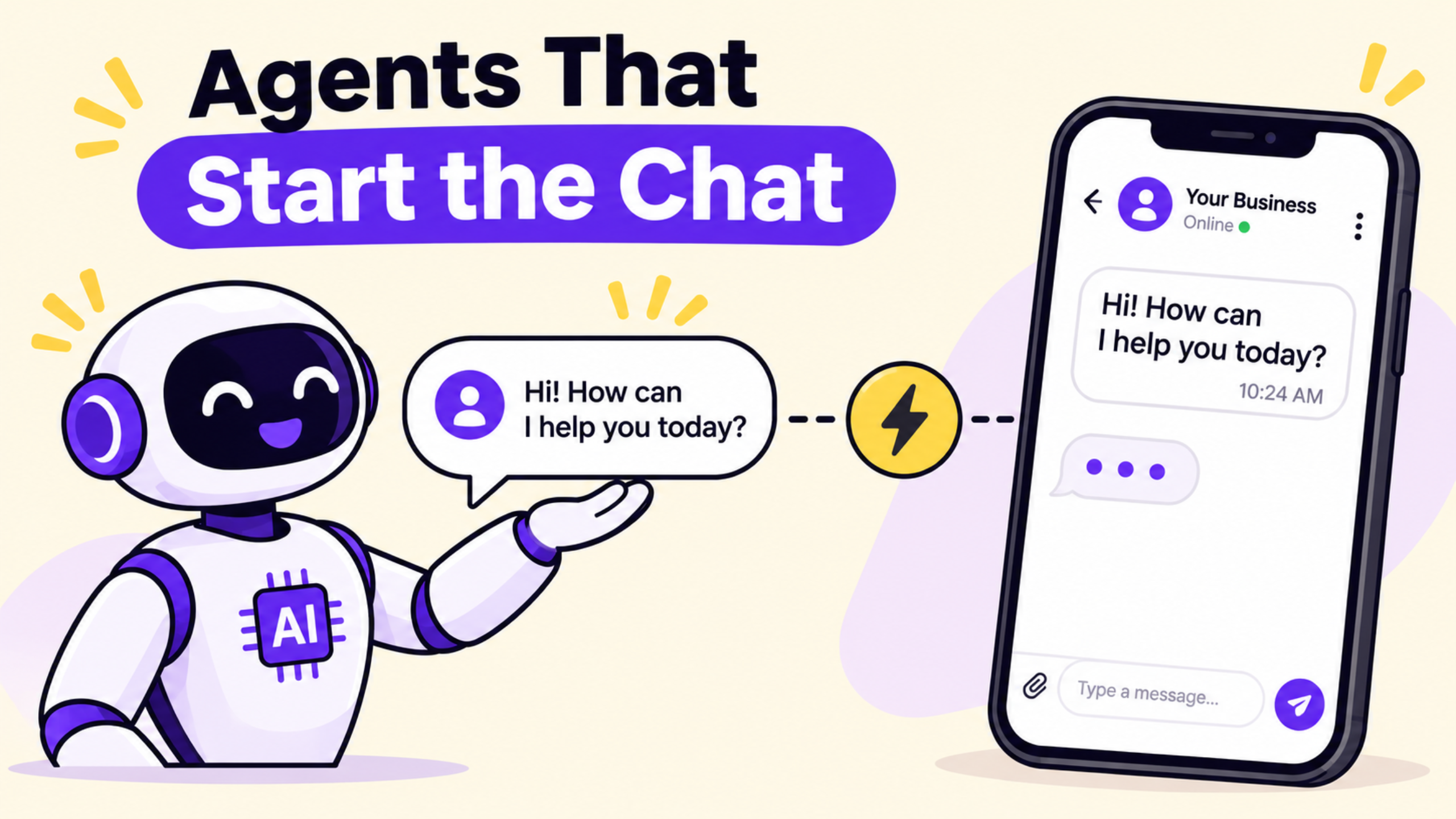
HighLevel Conversation AI outbound changes the direction. The agent can now open the conversation the moment something happens in the CRM. A form submission, Facebook or Instagram lead ad, missed call, new tag, appointment booking or opportunity stage change can trigger a personalised first message. The same agent follows up if the contact goes quiet and can book the appointment. Multi-model support arrived in the same October 2026 wave, so each agent can run on Claude, Gemini or GPT with a fallback model. Both features sit under Labs and are rolling out.
What Outbound Agents and Multi-Model Support Actually Are
Outbound AI Agents live inside the agent’s Deploy tab. You turn on outbound, choose a sending number, write an outbound opening message, set working hours and add the triggers you want. No extra workflow is required. When a trigger fires, the agent sends the first message (held until working hours if it is outside them) and continues the conversation in Auto-Pilot mode.
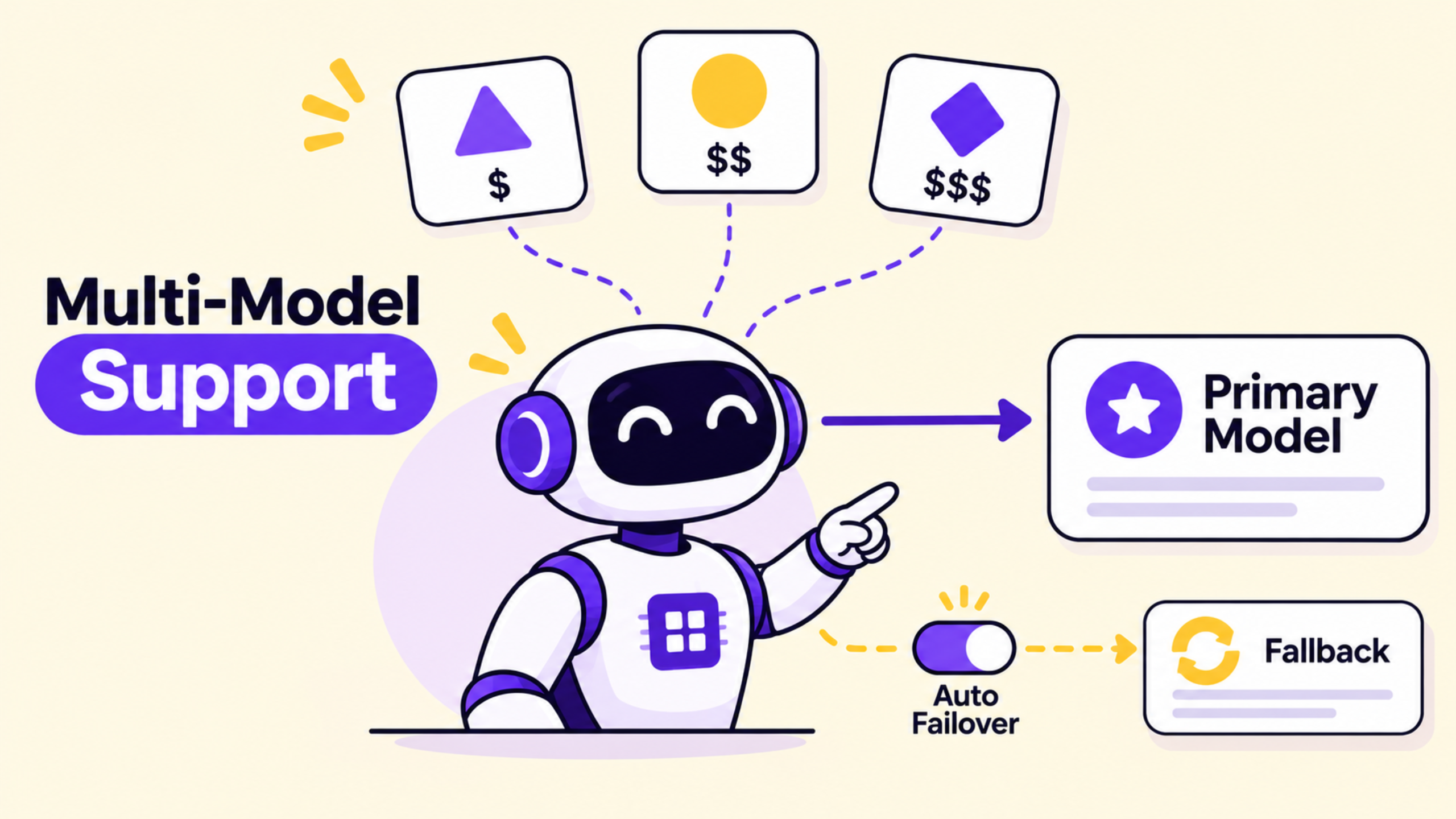
Multi-model support lets you pick Anthropic Claude models (Opus 5.5, Sonnet 5.5, Haiku variants) or Google Gemini models (3.8 Flash, 3.7 Flash, 3.5 Flash Lite) alongside the existing GPT options. Each agent has its own primary model and an optional secondary model from any provider. If the primary is down or slow, the agent switches automatically. Relative cost indicators (from $ to $$$$) appear next to each model so you can balance quality and spend.
The Problem These Updates Solve
Inbound-only agents leave gaps. A new website lead at 9 pm sits until morning. A missed call never gets a text. Reactivating old opportunities still needs a campaign or workflow. Different agents also used to share the same model, so a high-volume FAQ bot and a careful sales bot paid the same price and ran at the same speed.
Outbound closes the first-message gap without building extra automations. Multi-model support lets you assign a stronger model to complex sales conversations and a lighter, cheaper model to simple questions. Fallback models improve uptime. Agencies can now offer true speed-to-lead and database reactivation as native agent behaviour instead of custom builds.
How to Set It Up Step by Step
Enable the Labs flags first. Turn on Conversation AI | Outbound AI Agents and Claude & Gemini Model Support under Settings → Labs. Open AI Agents → Conversation AI and create or edit an agent. Write a clear prompt and an outbound opening message that uses contact custom values. Add Auto Follow-up and Appointment Booking actions. Set Mode to Auto-Pilot.
In the Deploy tab, open Outbound. Activate channels and choose a compliant sending number. Add triggers such as Form submitted, Facebook or Instagram lead form, Missed call, Contact tag added or Opportunity created or moved. Set working hours so late triggers wait until morning. On the Build side, open the Model menu, pick a primary model (Claude Sonnet for sales, Gemini Flash for volume, for example) and set a secondary fallback. Save and use the Test panel. Switch Starts with to Outbound, choose a test trigger and contact, then run the test. Messages stay in the test environment and are never sent to real contacts.
Practical Agency Use Case
A consultant runs a home-services client that receives Facebook lead ads and website forms after hours. Previously a workflow sent a generic SMS and a team member followed up the next day. Now the consultant enables outbound on the Conversation AI agent, adds the Facebook lead-form and Form submitted triggers, and writes a short opening message that references the service the lead requested. The agent is set to Claude Sonnet for better qualification and a Gemini Flash fallback. Contact us.
When a lead comes in at 11 pm, the message is held and sent at 8 am. The agent asks one clarifying question, handles common objections from the knowledge base, and books the estimate if the calendar is free. The same agent can later run an AI Campaign from the Contacts page to reactivate older open opportunities. Setup takes under an hour once the Labs flags are on. The client sees faster replies without extra staff hours.
Old Way vs New Way
Need | Before | With Outbound + Multi-Model |
First message after form or lead ad | Workflow or human | Agent trigger sends it automatically |
Follow-up when contact goes quiet | Separate sequence | Built into the same agent |
Model choice per use case | One provider for all agents | Claude, Gemini or GPT per agent + fallback |
After-hours leads | Immediate or missed | Held until working hours |
Limitations and Checks Before Going Live
Outbound and multi-model support require the Labs toggles. Confirm they appear in your sub-account. Outbound currently previews and sends primarily as SMS; rich elements work on supported channels and fall back to plain text elsewhere. Test thoroughly with the Outbound test setup before activating real triggers. Compliance rules for SMS still apply-verify your number and messaging policy. Model availability and exact pricing can vary; check the relative cost indicators and current token rates in your account. Agents built only with the older flow-based builder have limited outbound testing support.
FAQ
Do I need a workflow for outbound messages?
No. Triggers and the opening message live inside the agent under Deploy → Outbound. Enable the Labs flag first.
Can different agents use different models?
Yes. Each agent has its own primary and optional secondary model. Claude, Gemini and GPT options appear once the multi-model Labs flag is on.
What happens if a trigger fires outside working hours?
The first message is held and sent at the next opening time. Later replies follow the agent’s normal timing rules.
Conclusion
HighLevel Conversation AI outbound lets agents start conversations from real CRM events while multi-model support gives you cost and quality control per agent. Together they turn Conversation AI into a proactive tool for speed-to-lead and reactivation. Funnel Pandit helps agencies and consultants enable Labs features, configure outbound agents and choose the right models for each client. Visit https://www.funnelpandit.com or start with the referral link https://www.gohighlevel.com/pankaj-sharma to get your agents opening conversations the right way.
Affiliate disclosure: This article contains an affiliate link. Funnel Pandit may earn a commission on qualifying subscriptions at no additional cost to you.