




























HighLevel Managed Agents Computer: Browse, Code & Files
HighLevel Managed Agents Computer: Real Work Beyond the CRM
Agency owners and consultants who build AI agents inside HighLevel often hit the same limit. The agent can read contacts, update opportunities and send messages, yet it cannot open a competitor’s pricing page, download a CSV, or run a quick calculation on the numbers. Everything outside the CRM still needs a human or a separate tool.
HighLevel Managed Agents Computer removes that wall. Each Managed Agent now receives its own dedicated computer environment. It can browse websites, click buttons, fill forms, create and edit files, run Python scripts and terminal commands, and complete multi-step tasks that previously lived outside the platform. The capability launched as part of the October 2026 LevelUp updates and sits under Capabilities inside Agent Studio. It is live for accounts that enable it, with performance and security improvements still rolling out. Contact us.
What the Computer Capability Actually Does
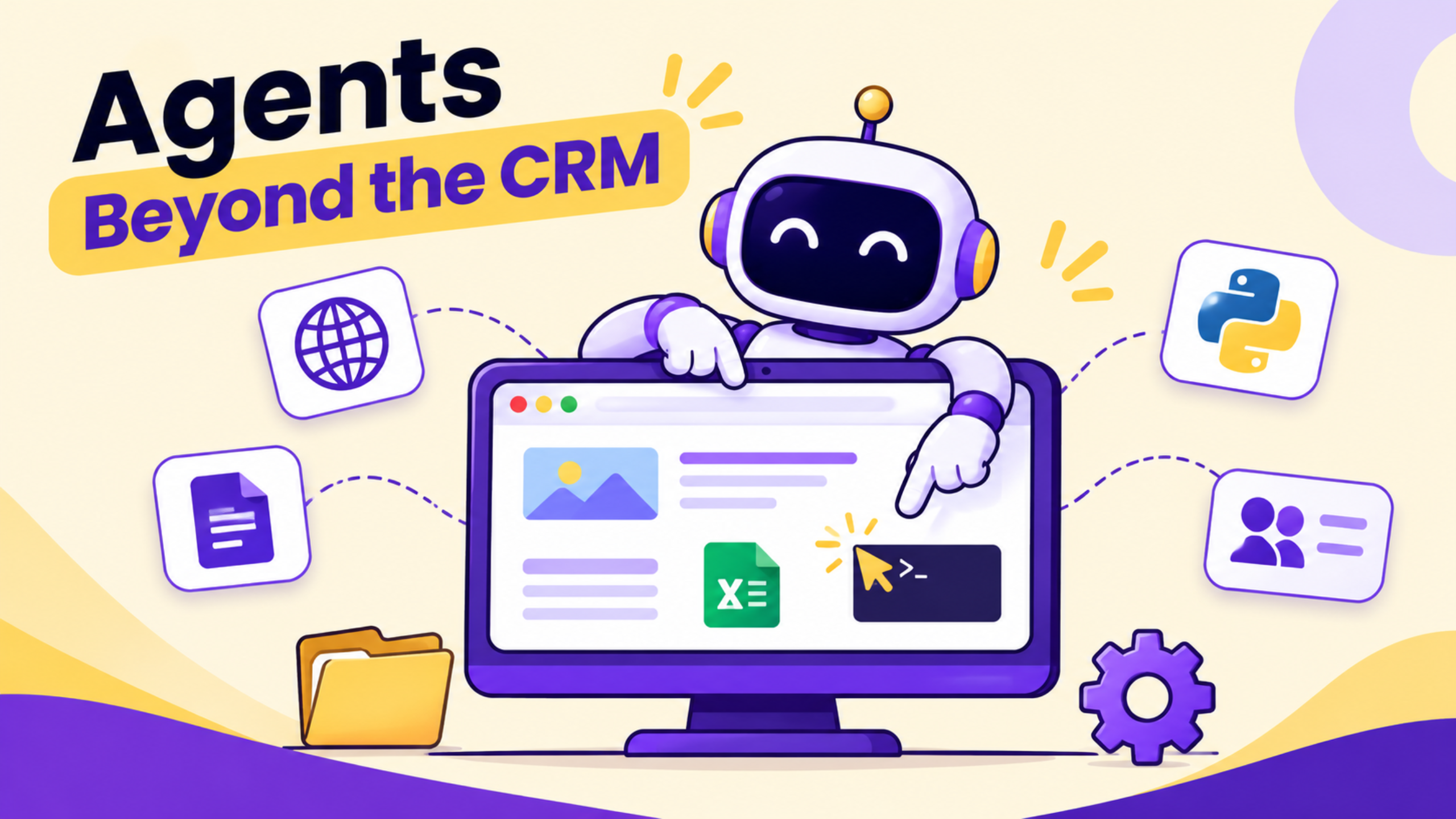
A Managed Agent with a Computer turned on works like a staff member who has a private desktop. It opens a real browser, navigates pages, interacts with forms and buttons, and can be watched in real time. You can take control of the browser at any moment and hand it back when finished. Files created or downloaded stay in a persistent workspace so the agent can reuse them across conversations. Python and terminal commands let it process data, generate reports or automate calculations without leaving the environment.
Parallel execution means independent tasks can run at the same time. Subagents can be spun up automatically for focused pieces of work, each with only the tools and context it needs. The main agent plans, reviews results and delivers the final answer. This combination turns a single conversation into an end-to-end process that can research, analyse and produce deliverables.
The Problem It Solves for Agencies and Clients
Before the Computer capability, most agent work stopped at HighLevel data. Researching three competitor sites, pulling public pricing, or compiling a short spreadsheet of options required a team member to leave the platform. For a coaching business that needs weekly market snapshots, or a field-service company that wants product comparisons before ordering parts, that hand-off created delays and extra cost.
The Computer lets the agent stay inside one conversation and finish the job. You describe the outcome once. The agent browses, extracts what it needs, builds the file and returns the result. Approvals sit in front of risky steps so nothing purchases or submits without a human check. Agencies can package these agents as client-facing tools or use them for internal back-office work.
How to Enable and Use It Step by Step
Open AI Agents → Agent Studio → Managed Agents. Create a new agent or open an existing one. Go to Capabilities and enable Computer. Save and test inside the unified workspace. The left panel lists your agents, the centre panel is the chat and test area, and the right panel holds settings, publishing and activity logs. Our Services.
Give the agent a clear task in natural language. Example: “Compare the three most popular scheduling tools for home-service businesses, note pricing tiers and key features, then create a simple spreadsheet I can share with the client.” The agent opens the browser, visits the sites, collects the data, builds the file and returns the link. Watch the live browser if you want visibility. Take over if a login or CAPTCHA appears, then hand control back.
For more complex work, ask the builder to split the task into subagents. One subagent can handle research, another can format the file, and a third can draft the summary email. Independent pieces run in parallel while the main agent coordinates.
Practical Agency Use Case
A consultant managing several restaurant clients needs a weekly summary of local competitor promotions. Instead of assigning a junior staff member to visit five websites every Monday, the consultant builds a Managed Agent with Computer enabled. The prompt is simple: “Check these five restaurant sites for current lunch specials and happy-hour offers. Create a one-page report with the details and any new menu items. Save it as a PDF in the workspace.”
The agent browses each site, extracts the offers, builds the PDF and stores it. The consultant reviews the file, makes one edit if needed, and sends it to the client. The same agent can later pull the previous week’s file for comparison because the workspace is persistent. Setup takes less than an hour. The weekly task then runs with minimal oversight.
What Changed vs the Old Approach

Task | Before Computer | With Computer |
Research external sites | Human opens browser and copies data | Agent browses and extracts in real time |
Create or edit files | Switch to Google Docs or Excel | Agent builds and stores files in its workspace |
Run calculations or scripts | Separate tool or manual work | Python and terminal available inside the agent |
Multi-step external jobs | Multiple people and tools | One conversation with optional subagents |
Limitations and Checks Before Full Reliance
Verify Computer is enabled for the specific agent and that the sub-account has access. Some actions still require explicit approval, especially anything involving payments or form submissions. Historical performance data and exact pricing for heavy Computer use should be checked inside your account; usage is metered. Mobile access to the same computer environment exists for Ask AI and is expanding, but full Managed Agent control is strongest on desktop. Always test in a draft agent before publishing to production, and confirm the agent only has the tools it needs for the job.
FAQ
Is the Computer capability available right now?
Yes for Managed Agents that have it enabled under Capabilities. Confirm availability in your sub-account and enable it per agent. Some performance updates continue to roll out.
Can the agent take actions on external websites without me watching?
It can complete multi-step tasks, but you can watch live and take control at any time. Risky steps typically request approval first. Verify the exact behaviour in your account.
Do files and browser state persist between conversations?
The workspace is persistent so files carry over. Browser sessions follow the security model of the dedicated environment. Check current limits inside Agent Studio.
Conclusion
HighLevel Managed Agents Computer lets agents perform real external work-browsing, file handling and code execution-inside a single controlled environment. Agencies can reduce manual research and delivery time while keeping human approval where it matters. Funnel Pandit helps agencies and consultants set up HighLevel Agent Studio correctly, enable Computer capabilities and build reliable Managed Agents for clients. Visit https://www.funnelpandit.com or start with the referral link https://www.gohighlevel.com/pankaj-sharma to get your agents working beyond the CRM.
Affiliate disclosure: This article contains an affiliate link. Funnel Pandit may earn a commission on qualifying subscriptions at no additional cost to you.