
















GoHighLevel AI Employee: Replace Agency Tasks in 2026
How GoHighLevel AI Employees Will Replace Repetitive Agency Tasks in 2026
Agency owners know that situation very well.
You are in the midst of a strategy call with a client and your phone vibrates - another lead has come in. Again. By the end of the call, forty minutes have been wasted and you haven't replied to either lead, and one of them already made an appointment with your competition.
That is the truth of running an agency where human resources are used to perform automated tasks such as responding to leads, qualifying prospects, scheduling appointments, answering frequently asked questions, reaching out to cold leads and so forth.
However, in 2026, GoHighLevel has the solution to all that - the GoHighLevel AI Employee. And this may become one of the most important innovations the platform will bring for years.
Below we talk about how this feature operates and how you can use it in your agency.
GoHighLevel AI Employee Definition
GoHighLevel AI Employee is a unique artificial intelligence technology that exists within the GHL system and conducts conversation, qualification, and booking autonomously, without any human assistance.
It is a smart employee who never sleeps, never takes days off, and never skips an opportunity to interact with potential clients. It resides in your GoHighLevel account and answers inquiries coming from different sources like SMS, emails, chat from your website, DM from Instagram, or Facebook Messenger, using natural language.
Unlike the standard chatbot, which works according to pre-defined scripts only, the AI employee of the GHL system understands the context and can not only answer inquiries about your services but also qualify the leads according to the criteria you provide, handle their objections, and book an appointment for you right away.
What Are the Tasks That a GoHighLevel AI Employee Can Perform?
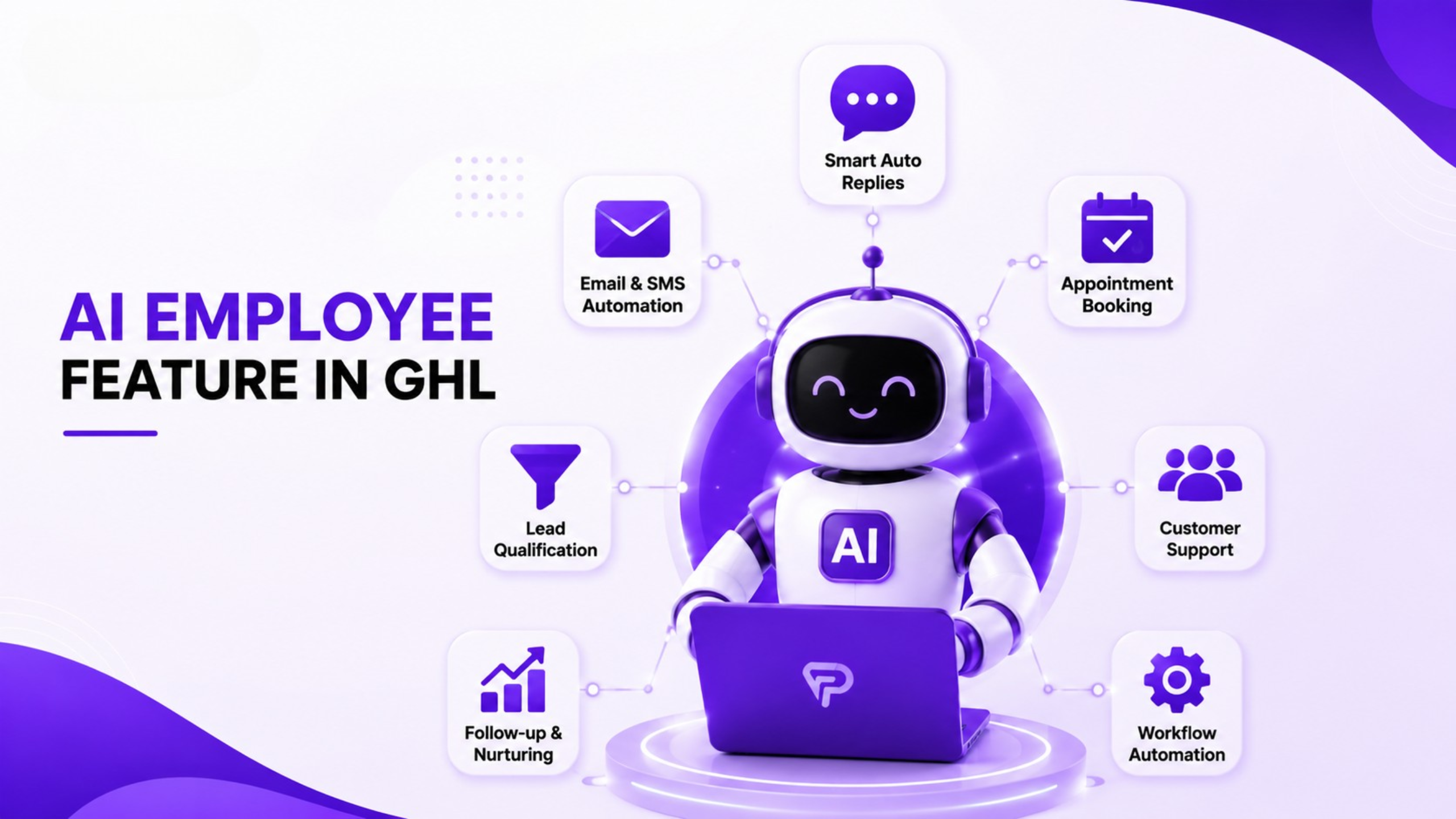
Now comes the really exciting part for those who run an agency. These are the main tasks that the GoHighLevel AI employee will be able to perform automatically:
Instant Responses to Leads
If a new lead subscribes or sends you a message, the AI employee sends a response to the lead instantly. No delay and no wasted opportunity. The response is personalized, engaging, and made in a conversational style.
That saves many hours of manual work when running multiple client sub-accounts.
Lead Qualification
A GoHighLevel AI employee qualifies leads by asking the set qualification questions in a conversational style - budget, timeframe, services interest, size of the company, etc. The AI employee then automatically assigns a tag to the contact and places them into the right stage of the funnel depending on their answers.
Now you can make sure that your calendar is full of only qualified leads.
Appointment Booking
Upon qualification of a lead, the AI employee for agencies either sends out a direct booking link or schedules the appointment within the calendar app on GHL. Confirmation emails and appointment reminders are sent automatically. This eliminates the need for follow-ups, and you do not require human assistance at all.
Answering Questions and Rebuttals
Before committing to a purchase or subscription, every lead will have several questions that must be answered to their satisfaction. Questions like what your service includes, how much it costs, and how long it takes. The GoHighLevel AI assistant does this for you by answering all such queries based on information that you supply during the setup process.
Re-engaging Cold Leads
One of the underutilized functions of the GoHighLevel AI Employee is its capability to re-engage cold leads. It sends follow-up emails to unresponsive contacts, resumes the conversation, and gets your inactive prospects moving again.
How to Configure GoHighLevel AI Employee Within Your Agency
Here are easy steps on how to configure GoHighLevel AI employee:
Step 1 - Find the AI Employee Feature in GHL
Within your GoHighLevel account, find the AI Employee feature from your settings or conversations page. Remember that this feature may not be found in all GHL plans, so check your plan first.
Step 2 - Determine Your AI Employee Role
What would this AI employee be accountable for? Just responding? Qualifying leads? Booking meetings? Try starting with a single task and expand later after observing how it performs.
Step 3 - Teach AI Employee About Your Company
Provide details about your company such as services, pricing, qualifications, and frequently asked questions. The more detailed your information, the better representation of your business your GHL AI Employee will be able to give.
Step 4 - Define the Criteria for Your Lead to be Qualified
Set qualification criteria which are necessary to qualify the lead for your offer. The AI employee will use these criteria to filter conversations and direct the contact to the appropriate pipeline stage or to your calendar directly.
Step 5 - Connect to Your Calendar
Connect your GHL calendar to the AI employee to ensure that it could check the availability of your schedule and make appointments automatically. Test booking process with a test contact.
Step 6 - Test Through All the Channels Where Your AI Works
Send test messages through all channels where your AI is active: SMS, website chat, Instagram, Facebook. Make sure that the responses are relevant, the timings are right, the booking works well.
Step 7 - Monitor and Improve the Process
Check the logs of your conversations once a week for the first month and find out if the AI had problems with certain questions or with some of the conversations. Adjust your training information.
Greatest Uses of GHL AI Employee Right Now by Agencies
In addition to the usual use cases, here is what great agencies are doing with HighLevel AI right now:
Automation of client onboarding process - Utilizing the AI Employee for guiding clients through the onboarding process, collecting information from them, and answering questions about the setup process without scheduling separate meetings.
Reviews request conversations - Initiating the AI Employee after completing a project and asking for Google reviews through the conversation, rather than sending a boring email.
Reactivation campaigns - Launching the AI Employee for reactivation of leads that did not convert at the time against a list of those leads and finding who is ready to buy now.
After hours support - Scheduling the AI Employee as a first responder during off-hours so that no leads wait until the next day for a response.
Human VA vs. GoHighLevel AI Employee
And no, this does not mean that AI is replacing your human team. This means that your human team is always supposed to be doing things that require their intervention, rather than handling the tedious, volume-driven jobs that can easily be done by AI.
GoHighLevel AI Employee Setup Checklist
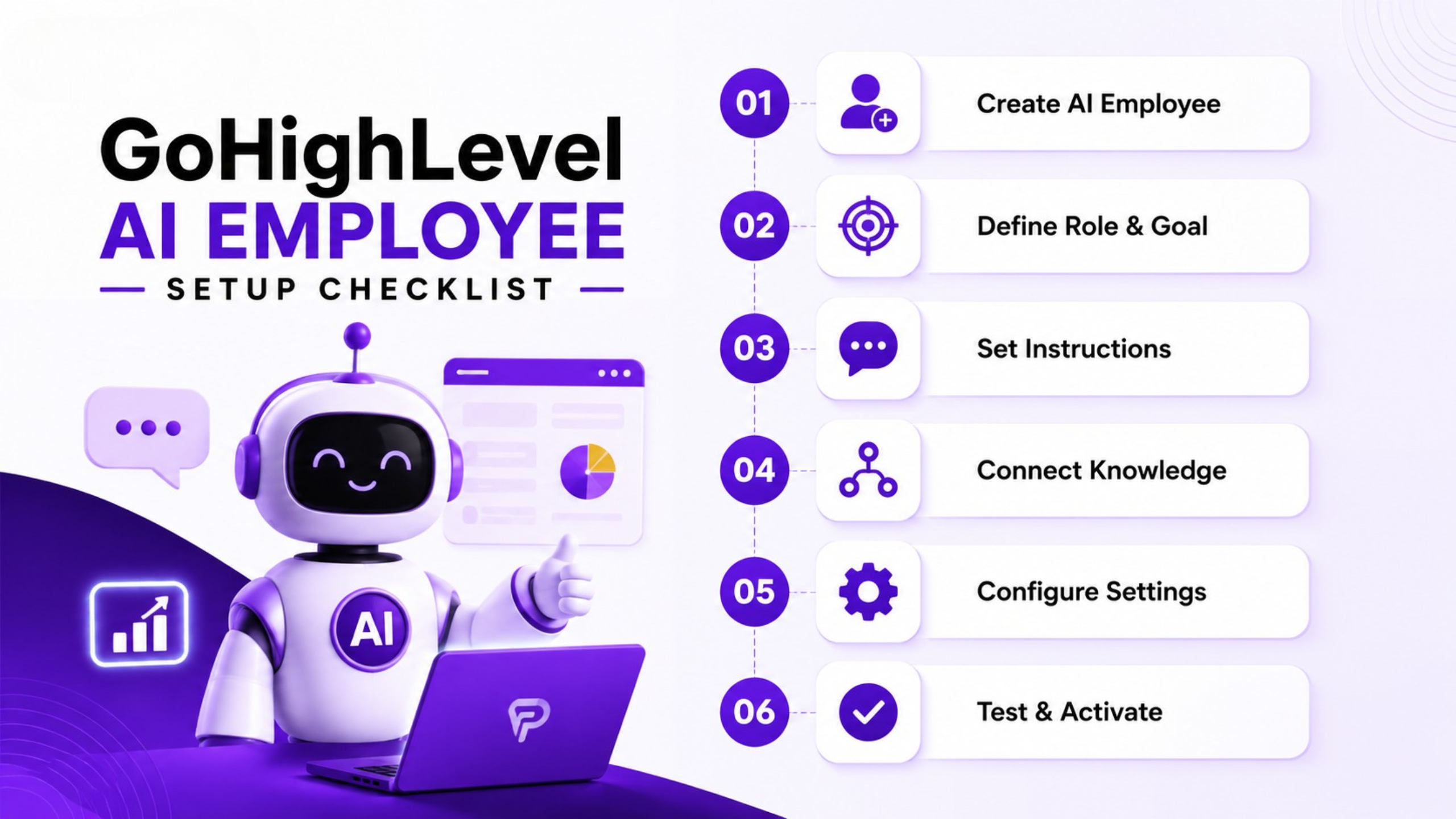
As a preparation before you go live with your new AI employee, make sure that all the items below are completed:
AI Employee feature activated on your GHL platform
The role and responsibilities are defined
All business information and FAQs are provided
Qualification criteria established and tested
Calendar linked and availability checked
All active communication channels linked - SMS, chats, social DMs
Full conversation flow tested using dummy contacts
Booking confirmation and reminder workflows working
CRM tagging and pipeline routing working
Weekly check-ins scheduled for the first month
Conclusion
The GoHighLevel AI Employee is neither a trick nor an anticipated future product. It is a live feature available currently that agency owners could use for eliminating some of the most time-consuming and redundant activities within their businesses.
Real-time lead engagement, qualification, appointments booking, FAQs resolution, and lead re-engagement, all done automatically, without requiring hiring extra people or spending any additional money.
Agencies that will grow the fastest by 2026 are going to be the agencies with the most intelligent systems in place rather than those with the largest teams. And one of the most intelligent systems that the platform has ever launched is the GoHighLevel AI Employee.
Set it once. Train it well. Then let it work for you while you run your business.
Frequently Asked Questions
Q: Is the GoHighLevel AI Employee available on all GHL plans?
The AI Employee functionality is available on some GoHighLevel plans - you should check what plan you have right now in your GHL account or contact GHL support to find out.
Q: How human-like is the GHL AI Employee communication?
The communication of the GHL AI Employee sounds like communication between real people - most of the leads will not understand that they are talking to an AI, provided that the system was properly trained with the correct data about your business.
Q: Is the GoHighLevel AI Employee able to serve multiple client sub-accounts simultaneously?
Yes - you can set up and turn on the AI Employee of GoHighLevel in each of the client sub-accounts separately.