






















GoHighLevel Calendar AI: Complete Setup Guide 2026
GoHighLevel Calendar AI - Setup Guide (2026)
You know that sensation of waking up and finding your calendar already filled with qualified appointments - set up overnight, automated and scheduled, with reminders sent out?
This isn’t some dream scenario. In 2026, this is exactly how GoHighLevel Calendar AI will help your agency or service business to function if it sets everything up right.
However, here is what usually happens.
You create a basic GoHighLevel calendar, post the URL on your site, and expect people to book. Some of them actually do it. Others simply don’t. Follow-ups are done manually. Reminders are missed. No-shows occur all the time. The self-filling calendar that you thought would start working stays mysteriously empty most of the time.
The difference between these two scenarios is not about luck - it is about setup. More specifically, it is about whether or not you’ve managed to fully configure the Calendar AI feature of GoHighLevel, linking it to its automation workflows to turn the whole process into an automatic one.
This guide will help you to do this.
What Is GoHighLevel Calendar AI?
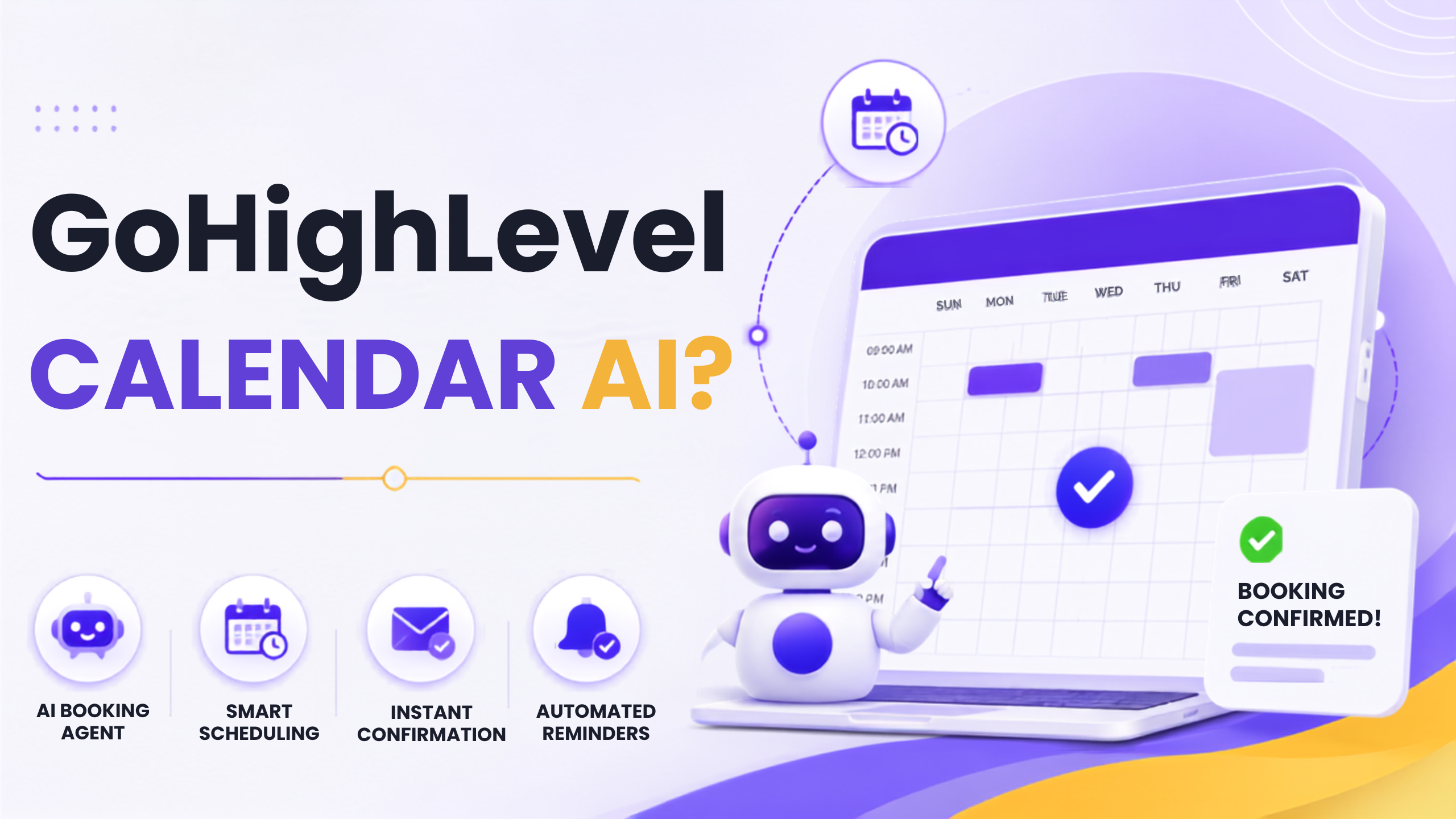
GoHighLevel Calendar AI is an advanced AI-driven calendar booking system built into the GHL platform that greatly differs from an ordinary booking system.
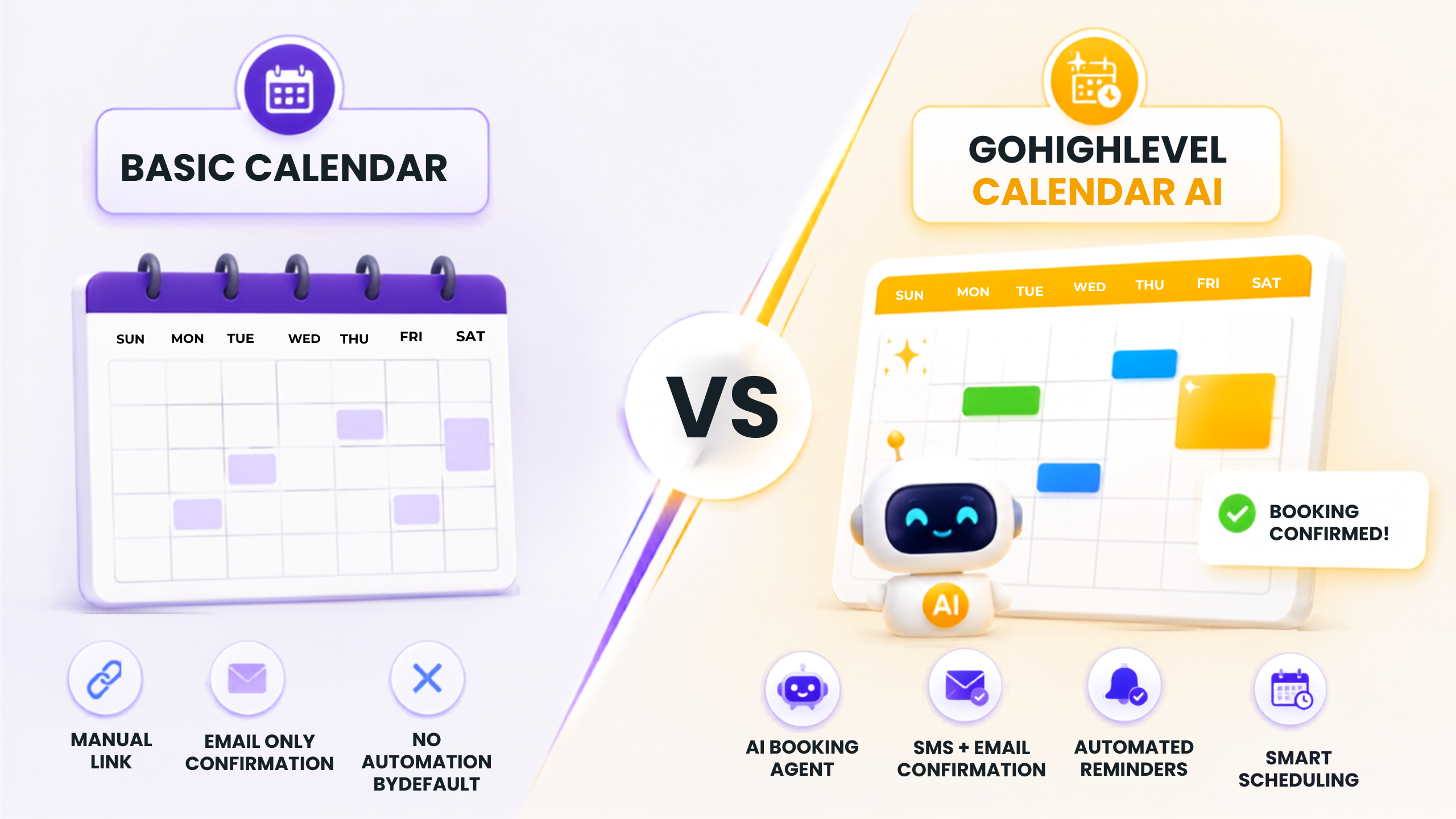
Where a regular calendar only shows you which time slots are available and gives you the option to choose one of them, the GoHighLevel Calendar AI layer is responsible for intelligent scheduling solutions like AI-suggested bookings, automated follow-up and confirmation processes, no-show recovery processes, and other aspects of booking and scheduling.
In 2026, the Calendar AI system works together with GHL's AI Employee and Voice AI solutions - an AI agent could suggest available time slots in the conversation, check your availability in real-time, and make a booking automatically, not requiring any human interaction at all. About us.
For an agency working with multiple clients, knowing everything about the Calendar AI solution is one of the most valuable skills to master, as every one of your clients will need to schedule appointments, and doing it automatically is a new experience for them.
Step 1 - Make Your Calendar on GHL
Begin from within your sub-account. Select Calendars in the side navigation bar and then Add Calendar.
There are several calendars available - Standard, Round Robin, Class Booking, and Collective. In case of services companies and agencies, Standard should be your go-to choice. In case you have a number of members in your team and need bookings to be shared automatically among them, Round Robin will work for you.
Choose a good name for your calendar, which will specify the service type or meeting type rather than saying Consultation. The calendar’s name appears on your booking page and in your confirmation message.
Set up your meeting length, your buffer time for appointments, and your maximum number of bookings per day. Don’t forget about setting buffer time. If you don’t, you’ll end up with back-to-back bookings with no time to prepare or take some notes between calls.
Step 2 - Set Up Availability and Time Zones
This step is more crucial than it seems - particularly if you offer services to clients from diverse regions.
Make sure you configure your availability on a daily basis throughout the whole week accurately. Don’t lie regarding the days and hours when you can accept phone calls. There is no point in showing the availability at 8 am, if you will be ready to answer calls starting from 10 am.
Set up the time zone configuration at the account level and make sure it corresponds with the one where you currently live. The system will automatically convert the time according to the booker’s time zone, but only if your base time zone is set properly. Wrong time zone settings might lead to many troubles.
If you’re creating this calendar for the client, double-check their time zone first. This is the most typical mistake made while using GHL AI calendar tutorials.
Step 3 - Connect with Google Calendar or Outlook
The real-time sync of your external calendar will make sure that there is no double booking possible - and this is key to getting the Calendar AI working properly.
Head over to Integrations inside your GHL account settings and connect Google Calendar or Outlook. After that, go back to your calendar settings and turn on the sync feature. Pick an external calendar to sync in order to prevent clashes with your appointments. Contact.
Now, the syncing is two-way, which means that if there is some meeting or appointment in your Google Calendar, then GHL will not show those hours to book anything. No need to block any appointment manually.
For the agency that is managing multiple users, all of them need to link their external calendars, and Round Robin calendar type will make sure that only free team members get the appointments.
Step 4 - Set up the AI-Driven Confirmation and Reminder Workflow
Here’s where the GoHighLevel Calendar AI takes your booking page to a full-blown booking and reminder scheduling machine.
Click on Automation and start a new workflow. Trigger the workflow on Appointment Booked. This action starts the moment someone books an appointment via your calendar.
Set up the following workflow:
Right after the appointment is booked - send out the confirmation via email and SMS. Mention the date of appointment, the time of meeting, meeting link or location, and one-click rescheduling option. It makes the booker feel assured of their appointment details and reduces no-shows, as there would be no confusion left regarding what they booked.
24 hours before the appointment - send out the reminder via email and SMS. Be brief and friendly in it. Mention the time again, include the meeting link, and provide them the facility to easily reschedule it instead of not showing up.
An hour before the appointment - send out the last reminder via SMS including the meeting link. One message impacts the show rates positively and takes just two minutes in setting up in your workflow.
If the contact doesn’t show up - start the no-show recovery workflow. Send out a message within thirty minutes after missing the meeting to tell them that you missed the contact and ask if you can reschedule with the link. Quite many no-shows end up rescheduling.
Step 5 - Connect GoHighLevel Calendar AI to Your AI Agent or Voice AI
This is the feature that will distinguish you from other agencies who are currently using GoHighLevel Calendar AI at its most basic level in 2026.
In your AI Employee or Voice AI settings, connect the calendar so that the AI can present options and book appointments for you while having conversations.
As soon as someone talks to your AI Agent on your website or in response to one of the SMS sequences that you have created, your AI Agent will be able to check your schedule, provide some time slots, and book the appointment without the need for any manual actions. And that will be done right away as the appointment will appear in your GHL calendar.
This closed loop of conversations is what GoHighLevel Calendar AI is built for. And this feature alone justifies the whole platform.
Step 6 - Customize Your Booking Page
The booking page is one of the first things that your potential clients will see. Make sure that it works for you.
Within your calendar settings, go to the Forms & Availability tab. Upload your logo and use your brand colors. Write a short benefit-based description above - instead of “Book a Call”, write “Book Your Free Strategy Session - Walk Away With a Clear 90-Day Growth Plan.”
Ask pre-qualification questions within the booking form. Ask those questions that you will need to know before the call - what kind of business it is, what its biggest problem is, how much money it makes per month, or anything else that will qualify the person for your specific offer.
GoHighLevel Calendar AI Configuration Checklist
Make sure you have completed all items below before you start redirecting any traffic to your booking page:
Created calendar with the right type - Standard or Round Robin
Set meeting duration and buffer time accurately
Set working hours accurately
Checked your time zone settings and made sure that they match your location
Connected your Google Calendar or Outlook for two-way synchronization
Created Appointment Booked workflow with SMS and email confirmation
Created 24-hour reminder workflow
Created reminder SMS workflow with 1-hour notice
Created No-show recovery process workflow
Linked your AI Employee or Voice AI to your calendar for real-time booking
Customized booking page with branding, description and intake questions
Fully tested booking process using real phone number and email address
Basic Calendar vs GoHighLevel Calendar AI
Conclusion
Having a calendar lying around on your website waiting to be discovered and booked is passive in a world that appreciates being proactive.
GoHighLevel Calendar AI - when configured right with confirmation workflow, reminder sequence, no show recovery, and integration with AI agents - is a proactive system. It fills your schedule, minimizes no shows, and helps to recover missed appointments while you just concentrate on making those calls.
Configuring GoHighLevel Calendar AI described in this guide is not difficult when you understand what needs to be done. However, every single thing is important. Omit the external calendar configuration, and you risk getting double booked. Forget about reminder workflow, and no shows will be rising. Forget about the AI configuration, and you will miss the most valuable feature.
Check the list. Test everything. And build yourself such a booking system that makes your company look and work like a much bigger and polished one than before.
FAQ
Q: Does the Calendar AI work with Google Calendar and Outlook together at the same time?
Yes - GHL allows integration of both Google Calendar and Outlook; yet most users connect one primary external calendar per each team member to prevent any availability display conflicts.
Q: Does the GoHighLevel Calendar AI allow scheduling of appointments automatically?
Yes - upon integration with GHL's AI Employee or Voice AI, Calendar AI allows fully automated appointment booking by an AI agent during live chat.
Q: Is it possible to use the Calendar AI configuration in GoHighLevel for agencies with many clients?
Yes - calendar configuration is done separately for each client sub-account, and an agency can create standard Calendar AI configuration as a part of onboarding snapshot for quick deployment.